How to Be Ready When Your Portugal VFS Appointment Alert Hits
VFS slots disappear in minutes. Here's exactly how to set up your phone, your VFS login, and your booking flow so you can claim a slot the second it opens.
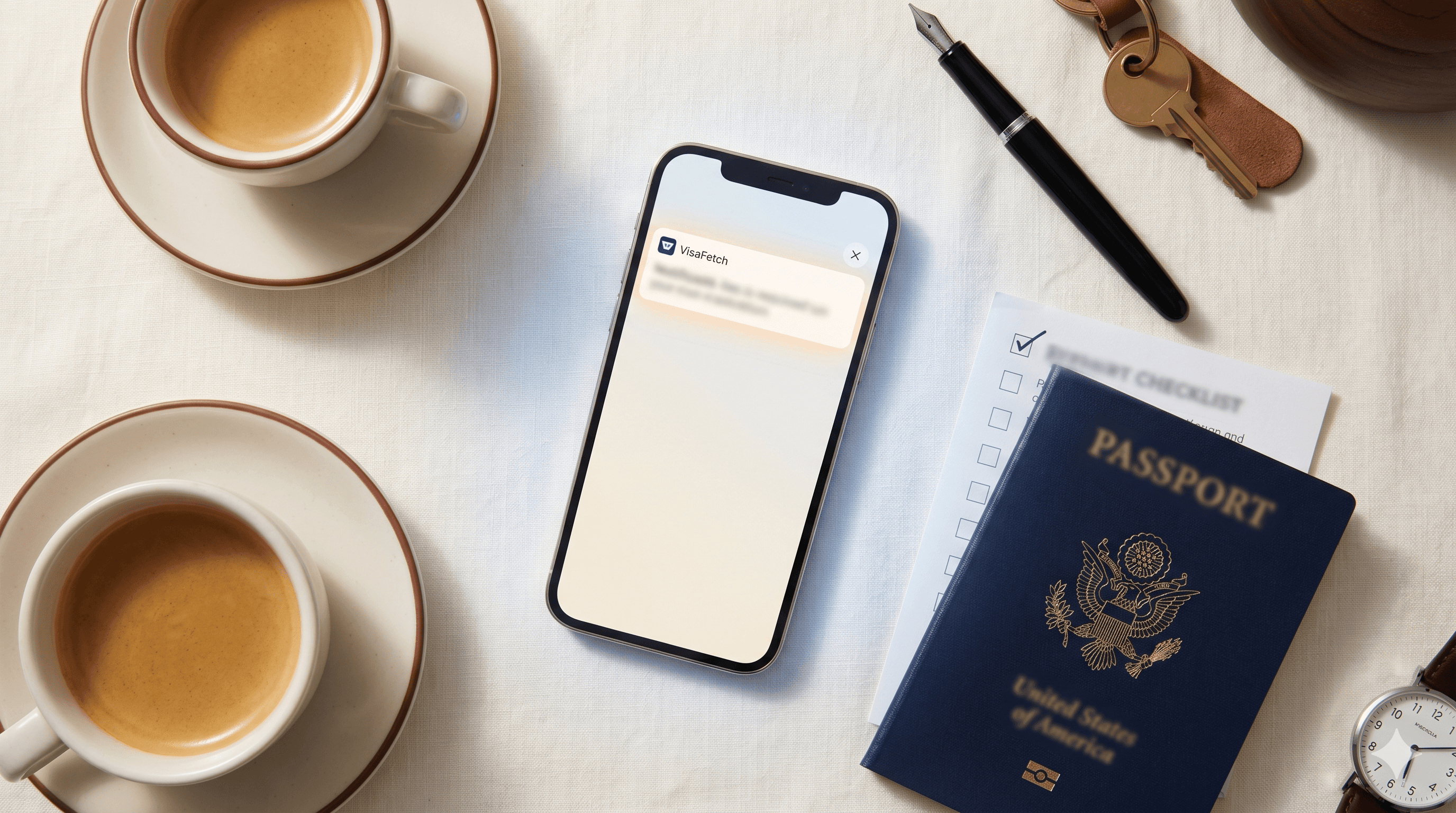

You can have the fastest alert system in the world. It does not matter if you are not ready to act on it.
We see this play out every week. A slot opens at a VFS office. The alert goes out. Someone gets it on their phone, taps to log in, and then realizes they forgot which email they used at VFS. By the time they reset the password, the slot is gone.
This guide walks through the three things every VisaFetch user should do before their first alert ever fires. It takes about ten minutes total.
The two-minute prep that wins most slots
Before we get to phone shortcuts, two things slow people down more than anything else when an alert lands. Fix these once and forget them.
1. You only need to book one slot for your family
When you are filling out the VFS booking form, there is a screen that asks you to add other applicants traveling with you. Skip it.
One appointment covers the entire family. Only the primary applicant books, and on the day of the appointment, you bring everyone's documents with you. The "add other applicants" screen on the booking flow is buggy. Adding dependents mid-booking often kicks you out of the form and loses the slot you were about to claim.
Book in the primary applicant's name alone. Move past that screen as fast as possible. Bring the rest of the family's paperwork to the actual appointment.
2. Memorize your passport number and expiration date
The VFS booking form will ask for your passport number and expiration date. If you have to dig out your passport, open the photo on your phone, and squint at the numbers, you have already lost 30 to 60 seconds. That is enough time for the slot to vanish.
Most people memorize their passport number once and never have to look it up again. The expiration date is just six digits. Treat them like your home address.
If you have not done it yet, do it right now. Pull your passport out, look at the number, say it out loud five times. Same with the expiration date. Done.
Why phone shortcuts matter
VFS slots typically stay open for under five minutes. Some go in under sixty seconds. When your phone buzzes with our alert, you have one job: tap, log in, claim the slot.
The problem is that most people do not have the VFS login page set up to be one tap away. They have to:
Unlock the phone
Open the browser
Type "vfs portugal" or fumble through bookmarks
Wait for the page to load
Find the right country and visa category
Log in
That is six steps when you have time for two. The fix is a home-screen shortcut that takes you directly to the VFS login page in one tap.
Use our interactive instruction guide below to pick your phone and your browser below. The instructions update automatically.
The URL you'll be bookmarking is the VFS Global USA login page for Portugal:
https://visa.vfsglobal.com/usa/en/prt/login
After you create the shortcut
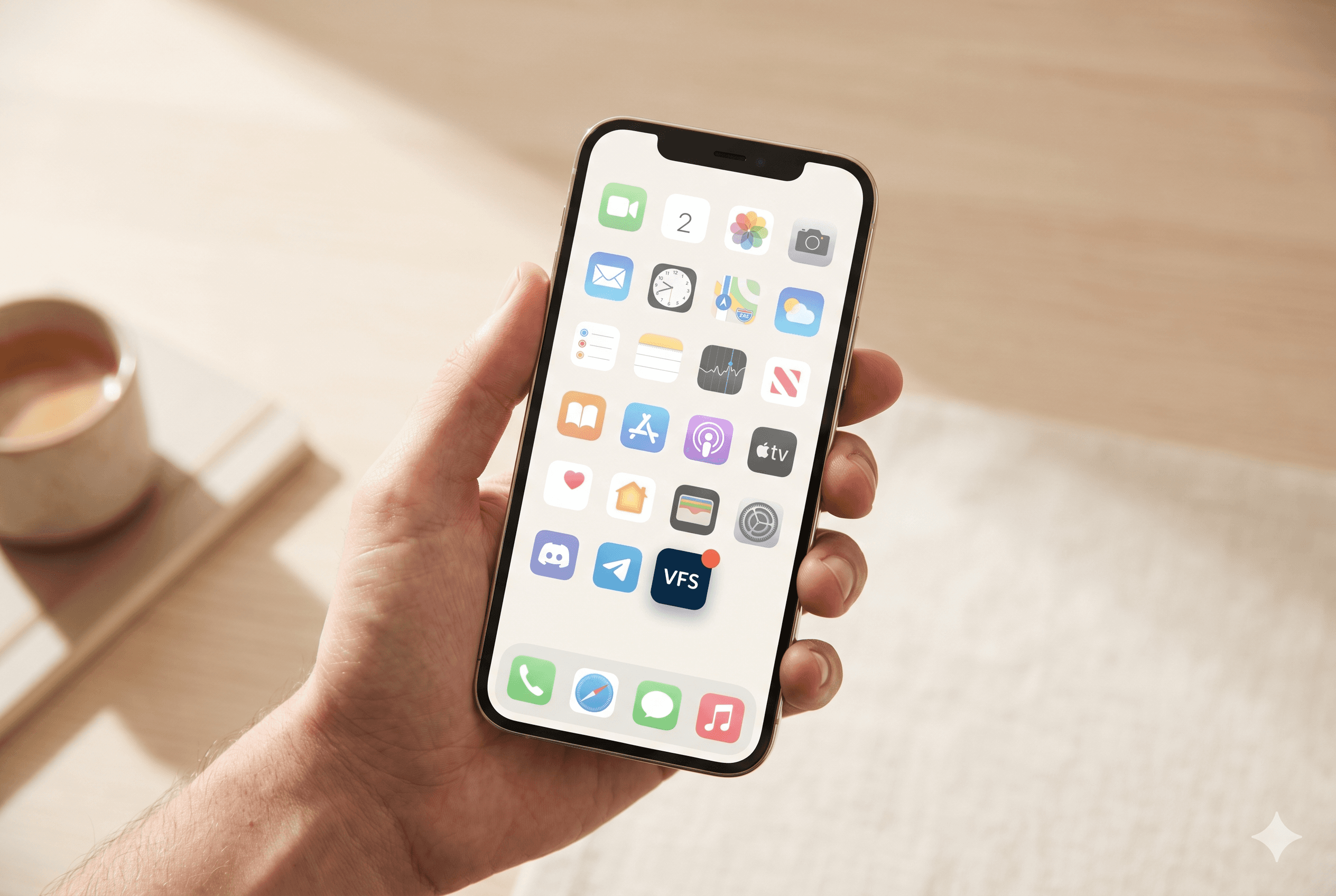
Save your VFS login in your password manager
Open the shortcut, log in to VFS, and let your phone offer to save the password. Use Apple Keychain, Google Password Manager, 1Password, Bitwarden, whatever you already use. Next time you tap the shortcut, login is one biometric tap away.
Test the full flow
Tap your shortcut. Log in. Navigate to the appointment booking page. Time yourself. If it takes more than 30 seconds from the home screen to the appointment page, something is slowing you down. Fix it now, not when an alert is firing.
Move the shortcut to a permanent spot
Put it on your home screen, not buried in a folder. Many of our users put it next to their messaging app since that is where the alert lands.
What this looks like in practice
A typical successful booking with VisaFetch goes like this:
You receive an SMS alert. Phone buzzes. You see "VisaFetch: D7 slot just opened at San Francisco."
You tap your VFS shortcut. Your phone is already unlocked because you were holding it.
You log in. Biometric tap, credentials autofilled, you are in.
You go straight to your appointment. No menu hunting, you remember the path.
You book the slot for yourself only. Skip the "add other applicants" screen.
You enter your passport number and expiration from memory. No fumbling.
Confirmation screen. Slot is yours.
Total elapsed time, start to finish, can be under 90 seconds. That is the bar.
A reminder on family bookings
If you are moving with family, you only need one VFS appointment for the whole household. The primary applicant books the slot. Spouses, children, and other dependents do not get their own appointments and do not need their own VFS logins.
What every family member does need on the day of the appointment is their own complete document set: passport, photos, statement of purpose, FBI background check (for adults), apostilled birth certificates (for children), and so on. Bring it all with you in clearly separated folders, one per person. The agent will work through each family member's packet during your appointment.
The booking flow tries to be helpful by asking you to "add other applicants" while you are reserving the slot. Do not do this. The form is buggy when handling multiple applicants and has cost people their slot. Book only the primary applicant. Move on.
You only get the alert if you are on Pro
A quick note for free-plan users. We monitor VFS for everyone, but only Pro subscribers get the alert when a slot opens. Free users see slots in their dashboard after the fact, which is informative but not actionable.
If you are still on the free plan and you are serious about booking soon, upgrade to Pro so the alert reaches you. Cancel anytime.
Last thing
Set this up today. Not after dinner, not over the weekend. The next slot at your VFS office could open tonight, and the difference between someone who has done these ten minutes of prep and someone who has not is roughly the difference between booking your appointment this month and refreshing the VFS site for another six.
Good luck with your move.
The VisaFetch Team
You can have the fastest alert system in the world. It does not matter if you are not ready to act on it.
We see this play out every week. A slot opens at a VFS office. The alert goes out. Someone gets it on their phone, taps to log in, and then realizes they forgot which email they used at VFS. By the time they reset the password, the slot is gone.
This guide walks through the three things every VisaFetch user should do before their first alert ever fires. It takes about ten minutes total.
The two-minute prep that wins most slots
Before we get to phone shortcuts, two things slow people down more than anything else when an alert lands. Fix these once and forget them.
1. You only need to book one slot for your family
When you are filling out the VFS booking form, there is a screen that asks you to add other applicants traveling with you. Skip it.
One appointment covers the entire family. Only the primary applicant books, and on the day of the appointment, you bring everyone's documents with you. The "add other applicants" screen on the booking flow is buggy. Adding dependents mid-booking often kicks you out of the form and loses the slot you were about to claim.
Book in the primary applicant's name alone. Move past that screen as fast as possible. Bring the rest of the family's paperwork to the actual appointment.
2. Memorize your passport number and expiration date
The VFS booking form will ask for your passport number and expiration date. If you have to dig out your passport, open the photo on your phone, and squint at the numbers, you have already lost 30 to 60 seconds. That is enough time for the slot to vanish.
Most people memorize their passport number once and never have to look it up again. The expiration date is just six digits. Treat them like your home address.
If you have not done it yet, do it right now. Pull your passport out, look at the number, say it out loud five times. Same with the expiration date. Done.
Why phone shortcuts matter
VFS slots typically stay open for under five minutes. Some go in under sixty seconds. When your phone buzzes with our alert, you have one job: tap, log in, claim the slot.
The problem is that most people do not have the VFS login page set up to be one tap away. They have to:
Unlock the phone
Open the browser
Type "vfs portugal" or fumble through bookmarks
Wait for the page to load
Find the right country and visa category
Log in
That is six steps when you have time for two. The fix is a home-screen shortcut that takes you directly to the VFS login page in one tap.
Use our interactive instruction guide below to pick your phone and your browser below. The instructions update automatically.
The URL you'll be bookmarking is the VFS Global USA login page for Portugal:
https://visa.vfsglobal.com/usa/en/prt/login
After you create the shortcut
Save your VFS login in your password manager
Open the shortcut, log in to VFS, and let your phone offer to save the password. Use Apple Keychain, Google Password Manager, 1Password, Bitwarden, whatever you already use. Next time you tap the shortcut, login is one biometric tap away.
Test the full flow
Tap your shortcut. Log in. Navigate to the appointment booking page. Time yourself. If it takes more than 30 seconds from the home screen to the appointment page, something is slowing you down. Fix it now, not when an alert is firing.
Move the shortcut to a permanent spot
Put it on your home screen, not buried in a folder. Many of our users put it next to their messaging app since that is where the alert lands.
What this looks like in practice
A typical successful booking with VisaFetch goes like this:
You receive an SMS alert. Phone buzzes. You see "VisaFetch: D7 slot just opened at San Francisco."
You tap your VFS shortcut. Your phone is already unlocked because you were holding it.
You log in. Biometric tap, credentials autofilled, you are in.
You go straight to your appointment. No menu hunting, you remember the path.
You book the slot for yourself only. Skip the "add other applicants" screen.
You enter your passport number and expiration from memory. No fumbling.
Confirmation screen. Slot is yours.
Total elapsed time, start to finish, can be under 90 seconds. That is the bar.
A reminder on family bookings
If you are moving with family, you only need one VFS appointment for the whole household. The primary applicant books the slot. Spouses, children, and other dependents do not get their own appointments and do not need their own VFS logins.
What every family member does need on the day of the appointment is their own complete document set: passport, photos, statement of purpose, FBI background check (for adults), apostilled birth certificates (for children), and so on. Bring it all with you in clearly separated folders, one per person. The agent will work through each family member's packet during your appointment.
The booking flow tries to be helpful by asking you to "add other applicants" while you are reserving the slot. Do not do this. The form is buggy when handling multiple applicants and has cost people their slot. Book only the primary applicant. Move on.
You only get the alert if you are on Pro
A quick note for free-plan users. We monitor VFS for everyone, but only Pro subscribers get the alert when a slot opens. Free users see slots in their dashboard after the fact, which is informative but not actionable.
If you are still on the free plan and you are serious about booking soon, upgrade to Pro so the alert reaches you. Cancel anytime.
Last thing
Set this up today. Not after dinner, not over the weekend. The next slot at your VFS office could open tonight, and the difference between someone who has done these ten minutes of prep and someone who has not is roughly the difference between booking your appointment this month and refreshing the VFS site for another six.
Good luck with your move.
The VisaFetch Team
Slots disappear in seconds. Be ready.
Refreshing VFS manually means competing with bots that check every few seconds. VisaFetch levels the playing field to give you an advantage.
Slots disappear in seconds. Be ready.
Refreshing VFS manually means competing with bots that check every few seconds. VisaFetch levels the playing field to give you an advantage.
Slots disappear in seconds. Be ready.
Refreshing VFS manually means competing with bots that check every few seconds. VisaFetch levels the playing field to give you an advantage.